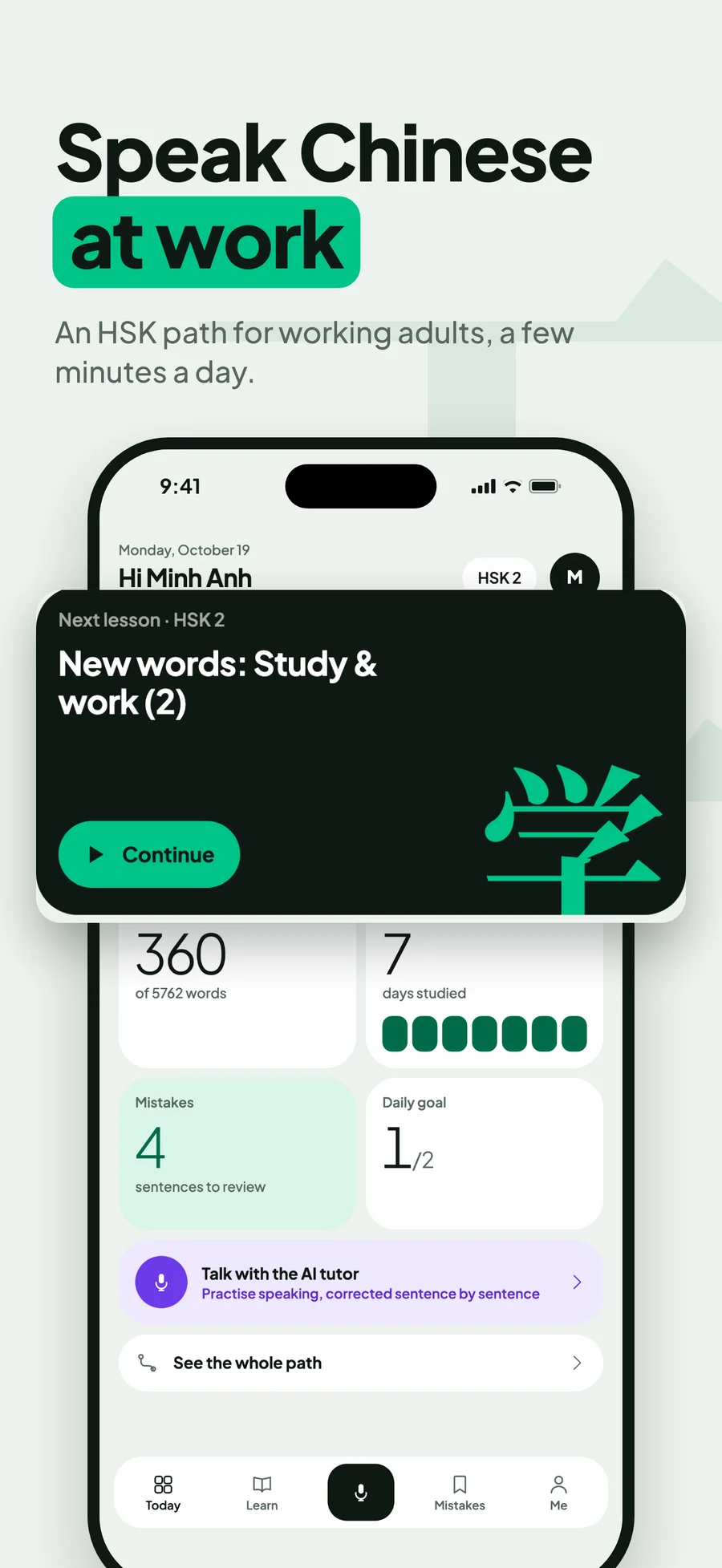
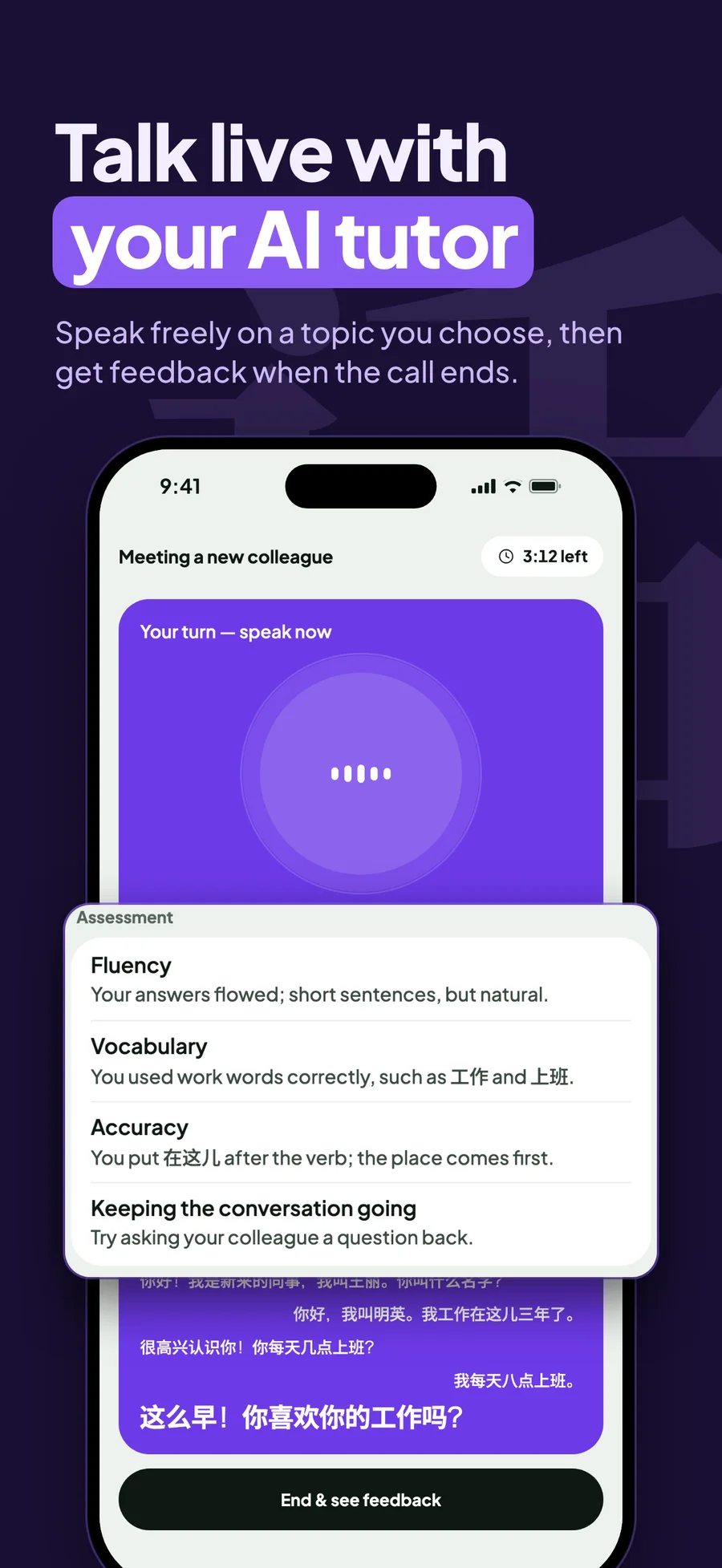
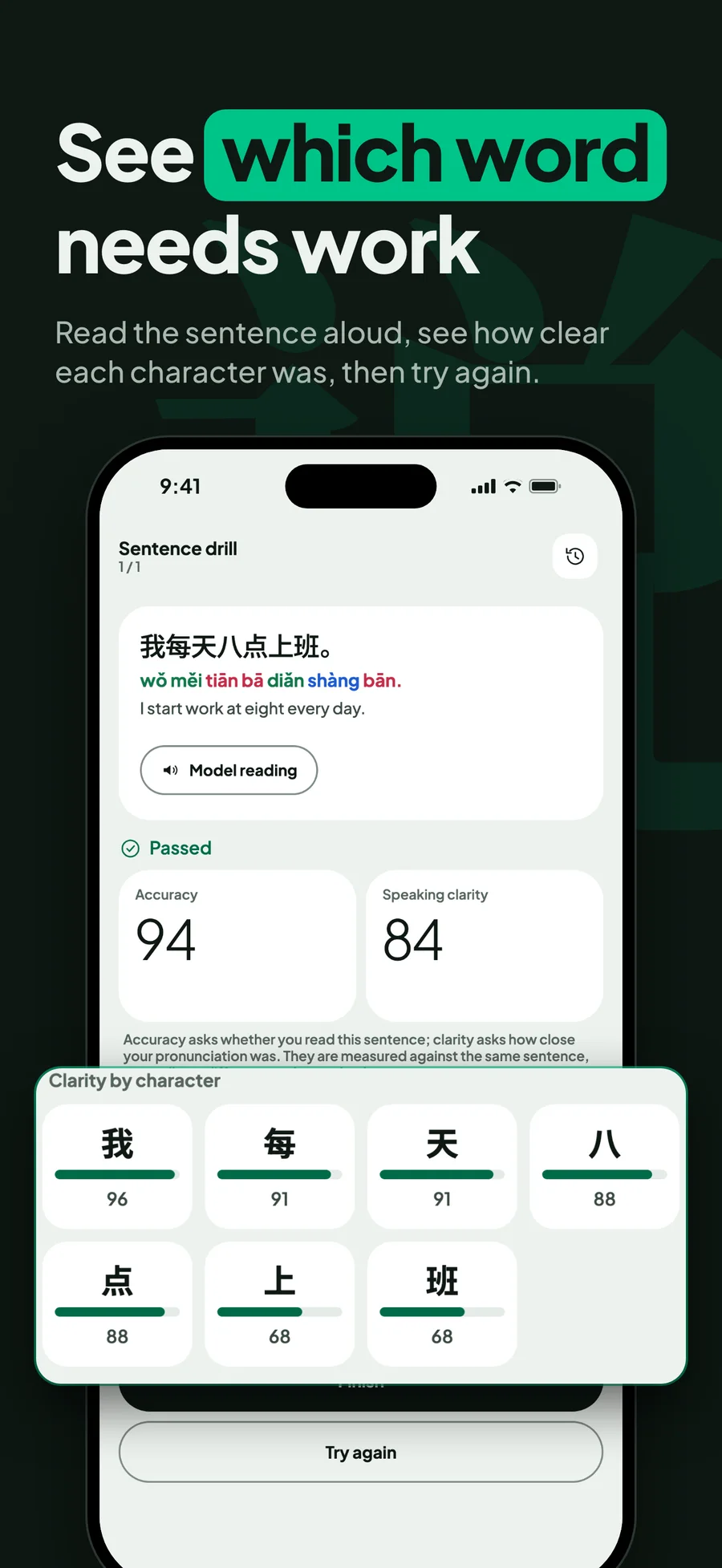
NihaoMando listens to a learner read Chinese aloud and scores each character, and the scoring is built to say nothing when it cannot be sure.
Role
Flutter app and speech scoring
Platforms
iOS, Android
Stack
Flutter, Speech scoring, Supabase
Try it
The problem
Why speech is hard to grade
Mandarin learners need to know which character went wrong and whether the tone was right. The pronunciation vendor scores whole words, and none of the fields we map from its response describes tone. A score that looks precise can still be wrong about the thing the learner came to practise.
A wrong verdict costs more than a missing one. Tell learners they got a tone wrong when they got it right, and they stop believing every score after it. The product also runs on a phone, where people double-tap, take calls mid-recording and lose connection.
Architecture
Two scorers behind one response
This was a team project. I worked on the Flutter app and co-wrote the speech-scoring service. The app records 16 kHz mono WAV and posts it to a NestJS endpoint, where Azure pronunciation assessment grades the sounds and a pitch tracker written in TypeScript grades the tones from the same audio.
Azure sits behind a small provider interface, so its field names never reach the service layer or the app. The tone verdict is an optional addition to the response: if the pitch code throws, the learner still gets the Azure score.
Capture
Flutter
Hold to speak, 16 kHz mono WAV
API
NestJS
Quota check, then one scoring path per take
Sound scoring
Azure Speech
Word scores mapped back onto each character
Tone scoring
YIN pitch tracker
Contours matched to tone templates, or declined
Feedback
Flutter
Per-character results, tone shown only when earned
The tone pass runs after the Azure call and is wrapped so a failure there can only remove the tone verdict.
Key decisions
Where the hard calls were
01
A tone scorer allowed to decline
Azure's assessment gives accuracy, fluency and completeness, but no tone result. A tone check that guesses would accuse learners of errors they did not make.
We wrote a pitch pipeline that tracks F0 with YIN, normalizes it to semitones around the speaker's own median and fits each syllable against tone-shape templates. Every stage can return undetermined instead of a verdict. Tone 3 is switched off in both directions, a deliberate cost: the scorer stays quiet on that tone rather than guess.
Verdicts are limited to tones 1, 2 and 4.
The best template must beat the runner-up by a 0.4 margin.
Pass or fail never depends on tone.
02
Not trusting a Success response
With miscue detection on, a Success response with every word omitted can mean silence or a learner reading the wrong sentence. Handling either the wrong way stores a zero nobody earned or discards a real attempt.
The Azure adapter reports only the fact that nothing matched, and the service decides using the pitch pass already run on the same audio. No voiced audio means silence and a retry. Voiced audio keeps the real zero. If the pitch pass cannot read the file, the score stands, because throwing away a real take is the worse mistake.
A Success with no assessment scores becomes a provider error, never a zero.
Azure's words are aligned to characters by a forward search that steps over punctuation.
Silent takes are not saved to the learner's history.
03
The latest take always wins
Recording, closing the file, uploading and scoring all overlap on a phone. A quick retry could score an old file or let a late response overwrite a newer take.
Each take gets a generation number, and every async continuation checks it before touching state, so a late response is dropped. A cancel also aborts the HTTP request. The screen shows the scoring state the moment the finger lifts, and the result is saved once.
A new take waits for the previous recorder stop before opening the mic.
The app blocks recording up front when scoring quota is spent.
The audio upload runs in the background and never holds up the score.